Check your own investing rules
Set target weights, cash minimums, or leverage limits. The Home screen checks those rules against your ledger and shows the result. Portle reports the numbers but does not give investment advice.

A portfolio calculator for individual investors
Returns, drawdown, dividends, tax if you sold, and whether your timing helped. Bring in broker screenshots or files, and Portle does the math.
Portle is not a broker and does not provide investment or tax advice. Your records stay on this device or in your Google Drive.
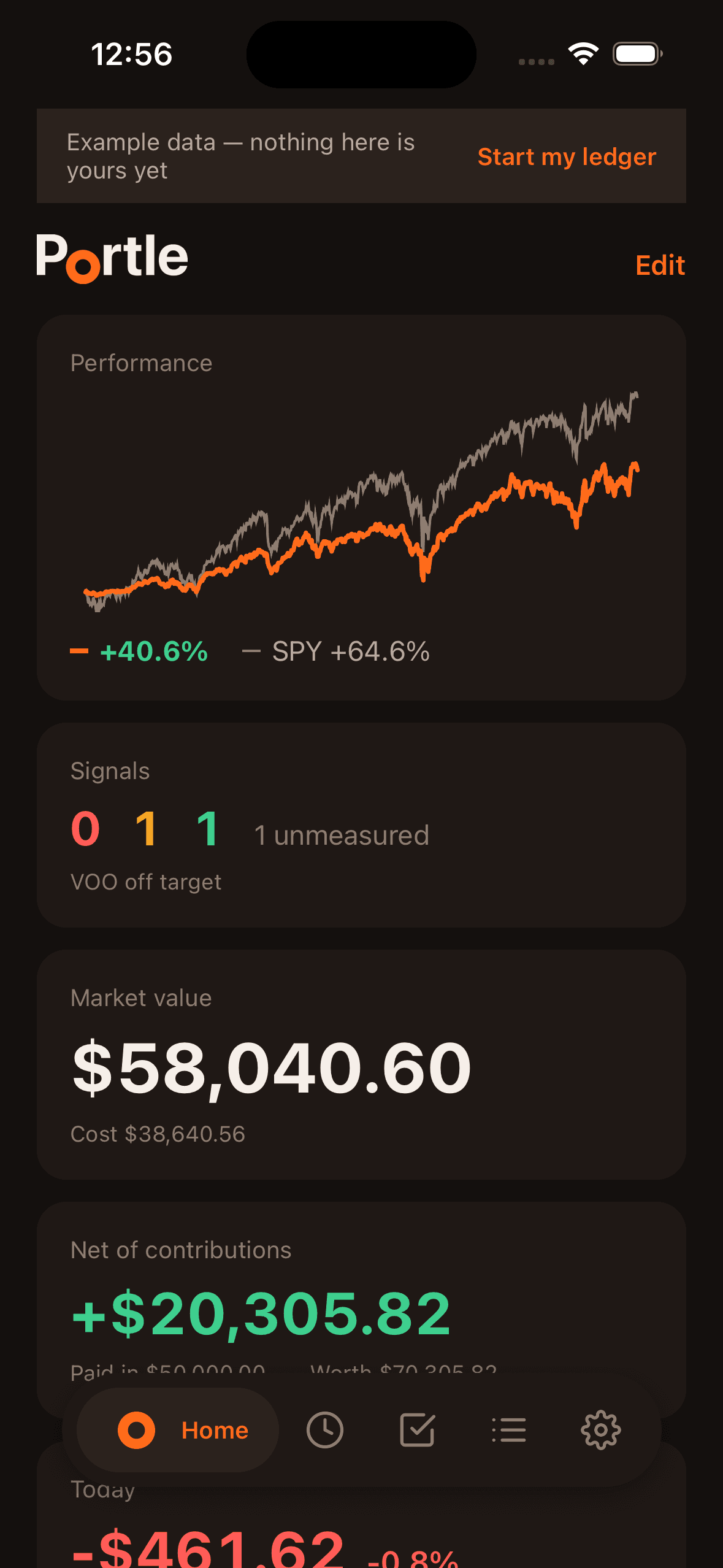
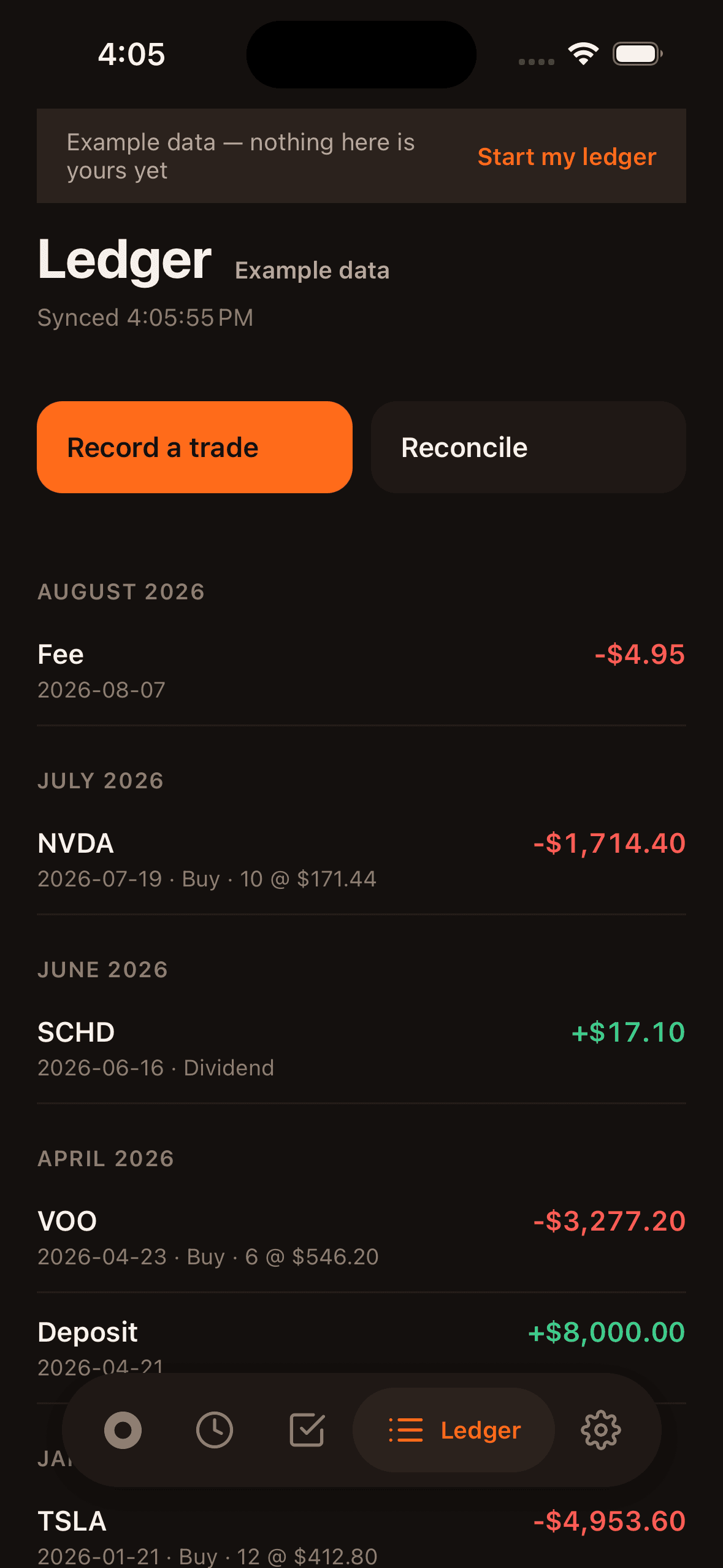
Every number comes from the transactions in your ledger and delayed market prices. Most calculations are free. Factor analysis and value chain exposure need Portle Pro.
See how much the dates you sold, bought, deposited, and withdrew changed your result.
Compares what the shares you sold would be worth today with the cash you received.
Compares your purchases with spreading the same money evenly over the same period.
Compares your deposits and withdrawals with spreading the same amount evenly over the same period.
For the United States, Korea, Japan, Canada, Australia, and the United Kingdom.
Every user gets 30 days of Portle Pro at no cost.
Tax residence
Choose your tax residence in Settings. Portle adjusts the reporting currency and available tax estimates for the United States, Korea, Japan, Canada, Australia, or the United Kingdom. Other countries still receive the general portfolio and ledger views.
Rules and checks
Set target weights, cash minimums, or leverage limits. The Home screen checks those rules against your ledger and shows the result. Portle reports the numbers but does not give investment advice.
Portle finds past market periods that resemble today, then shows what the market and your portfolio did next. These are historical comparisons, not forecasts.
Portle flags possible duplicates, missing dividends or splits, and differences from your broker balance. It explains each finding and leaves every change to you.
Share broker screenshots, CSV files, or Excel files. Portle reads the transactions and lets you confirm the rows before anything is saved.
Your records
The calculations need your buys, sells, dividends, fees, and cash transfers. Portle keeps them as a ledger on this device without signing in, or as a Google Sheet in your Google Drive if you prefer.
Every result can be traced back to the transactions it came from.
Use five browser-only tools for average cost, another purchase, recurring contributions, dividends, and a target amount.
Guides
See how Portle calculates returns, currency effects, and tax if you sold, and how to bring in the records those numbers need.
Reconcile last month's investment result using opening and closing value, deposits, withdrawals, dividends, fees, realized gains, and unrealized gains without mistaking new money for performance.
Currency return attributionSeparate the return of a foreign asset from the return of its currency, quantify their interaction, and explain why the gain shown in your home currency differs from the stock chart.
US stock sale tax estimateEstimate a US taxable-account stock sale from proceeds, adjusted cost basis, tax lots, holding period, year-to-date gains and losses, wash sales, NIIT, and state tax.
Download Portle